How to Sell on MallowCo: A Complete Guide for New Vendors

My Cart {{ noOfItems }} itemitems
{{ item.product.name }} {{ item.product_property.offers[0].title }}
{{ item.product.name }}
{{ item.product_property.vendor_name }} {{ item.product_property.base_quantity }} {{ item.product_property.quantity_unit }}
{{ item.product_property.cloth_variant.label }}
{{ item.product_property.affiliate_discount_percentage }}% OFF {{ item.product_property.product_currency }}{{ item.product_property.original_price }}
{{ item.product_property.user_input_quantity }} × {{ item.product_property.product_currency }}{{ item.product_property.price_after_discount }} {{ item.product_property.product_currency }}{{ item.product_property.total_price_after_offer || item.product_property.price_after_discount }}
Not eligible for affiliate discount
  • {{ opt.group_name }} Choice Text {{ opt.value_label }} +{{ item.product_property.product_currency }}{{ parseFloat(opt.effective_price).toFixed(2) }}
Includes +{{ item.product_property.product_currency }}{{ item.product_property.options_total }} customisations

Your cart is empty

Looks like you haven't added anything yet. Start exploring our products!

Start Shopping
Processing

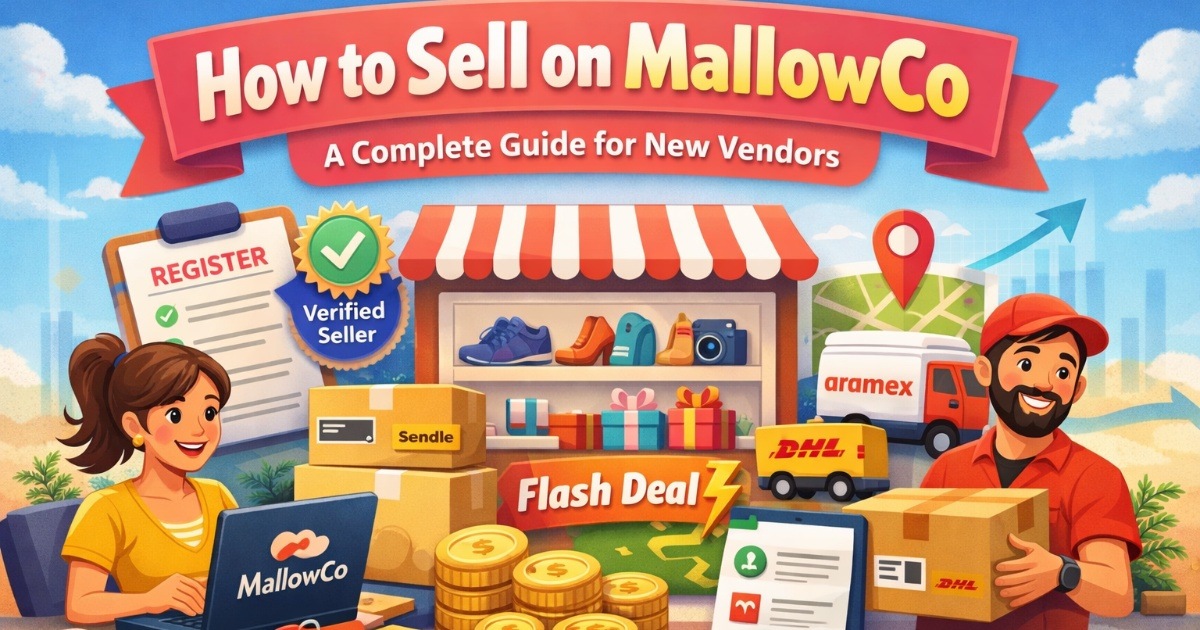
How to Sell on MallowCo: A Complete Guide for New Vendors

March 3, 2026 · Admin · 2 min read · 139 views
How to Sell on MallowCo: A Complete Guide for New Vendors
Keywords: sell on MallowCo MallowCo vendor guide how to become a vendor on MallowCo MallowCo seller registration start selling online marketplace MallowCo product listing guide vendor dashboard tutorial marketplace seller tips online marketplace selling guide MallowCo flash deals MallowCo vendor payments ecommerce vendor onboarding how to list products online become an online seller marketplace seller registration

Why Sell on MallowCo?

MallowCo gives vendors access to a growing base of active shoppers who are ready to buy. As a seller, you get:

  • Your own vendor storefront page with all your products

  • Flexible pricing and discount tools (Flash Deals, Special Offers, coupons)

  • Real-time order notifications and detailed sales reporting

  • Integration with major logistics providers like Sendle, DHL, and Aramex

  • A verified seller badge to help build customer trust


Step 1: Register Your Vendor Account

Go to the Register page and create a standard account. Once your account is active, apply for vendor status by completing your business profile — including your business name, logo, and address.


Step 2: Set Up Your Vendor Profile

Your vendor profile is your storefront. Add a professional business logo, a clear description of what you sell, and your contact details. Customers can visit your dedicated seller page to browse all your products in one place.


Step 3: List Your Products

From your vendor dashboard, you can add products with:

  • Product name, description, and rich content

  • Multiple size, weight, or quantity variants

  • High-quality photos and a main thumbnail

  • Price, sale price, and stock quantity

  • Shipping options and any extra handling fees

  • SEO fields (meta title and meta description) to help your products rank on Google


Step 4: Fulfil Orders Quickly

When an order comes in, you'll receive an immediate notification. Process and dispatch it promptly — your fulfilment speed directly impacts your seller rating and repeat business. You can generate integrated shipping labels and dispatch with Sendle, DHL, or Aramex directly from your dashboard.


Step 5: Grow With Flash Deals and Special Offers

Boost visibility by participating in Flash Deals — time-limited offers that appear on the MallowCo homepage and in push notifications. You can also create Special Offers with multiple booking options for unique products or bundled deals.


Get Paid

Vendor payments are processed regularly and tracked in your Payments dashboard. View your total sales, commissions, and payment history at any time.


Ready to Start?

Join MallowCo’s growing vendor community. Create your account and contact our team to fast-track your vendor application.

Frequently Asked Questions

To become a vendor, first create a standard account via the registration page. Once registered, complete your business profile and apply for vendor status by submitting your business details, logo, and address.
MallowCo may charge a commission per sale. You can view all commission details, earnings, and payment breakdowns inside your Payments dashboard.
After approval, access your Vendor Dashboard to add products. You can upload product descriptions, images, pricing, stock quantities, shipping options, and SEO information.
Payments are processed regularly and tracked in your Payments dashboard, where you can monitor total sales, commissions, and payout history.